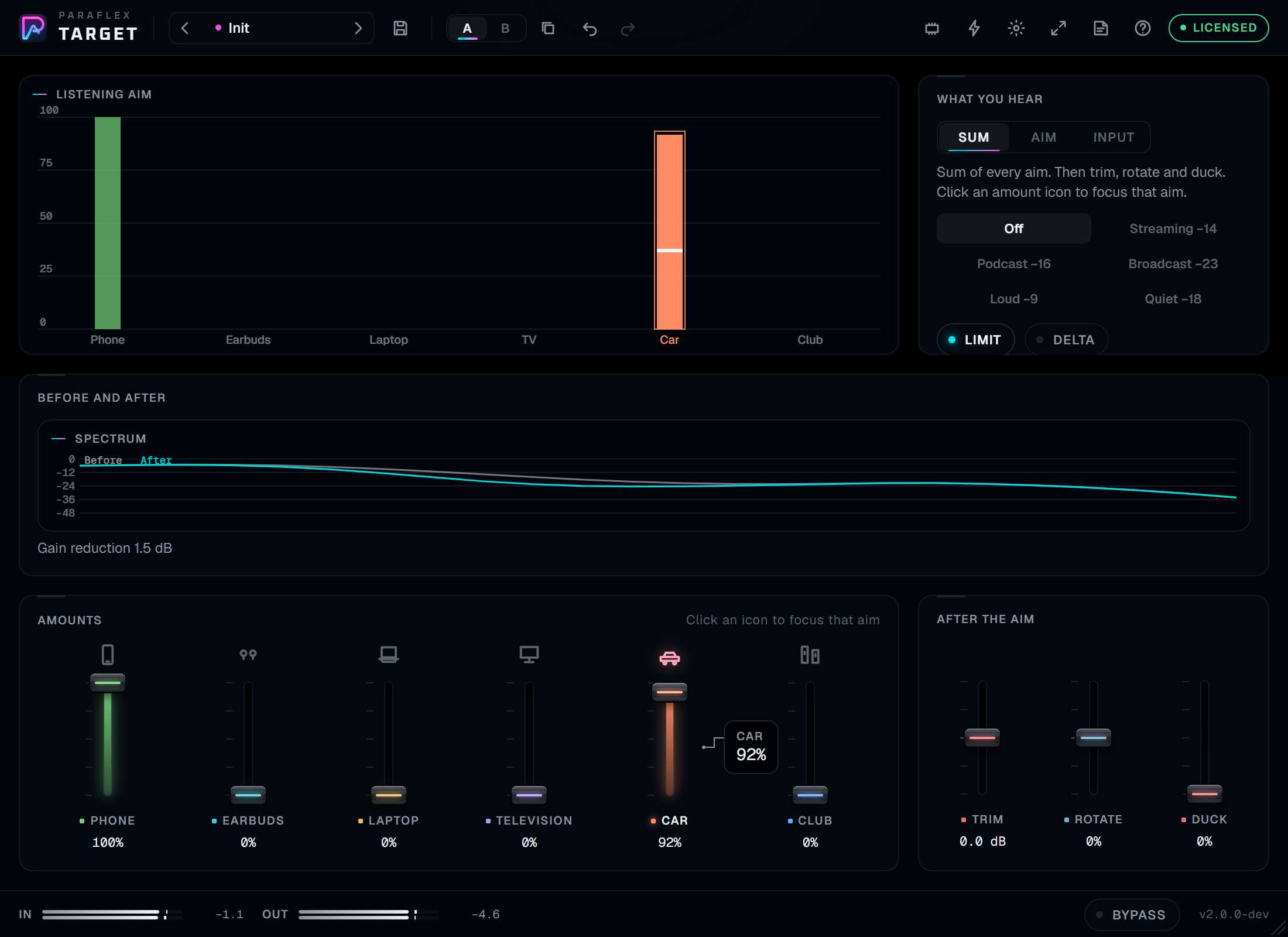
How to read this guide
Put Target last on the master. Leave delay compensation on. The plugin reports its delay, and bypass keeps that same delay.
Hover a control. The card shows the name and the value. Turn Tips on when you also want the written explanation.
People also ask
What does Target do?
It reshapes a master for the speakers it will meet. Phone, earbuds, laptop, television, car, and club each keep an amount. Sum plays every amount together. Aim plays only the focused one. Input is the delayed programme with the aims out.
What happens at Amount zero?
That aim adds nothing. With every amount at zero, Sum and Aim match Input: the programme, delayed to the processed path.
Where does it go?
Last on the stereo master, or on a stem when you are checking one part. Duck follows the sidechain and pulls the aims down while that track is busy. The sidechain accepts mono or stereo.
Does it change the delay when I switch aims?
No. Phone, earbuds, laptop, television, car, and club all use the same reported latency. Input uses it too.
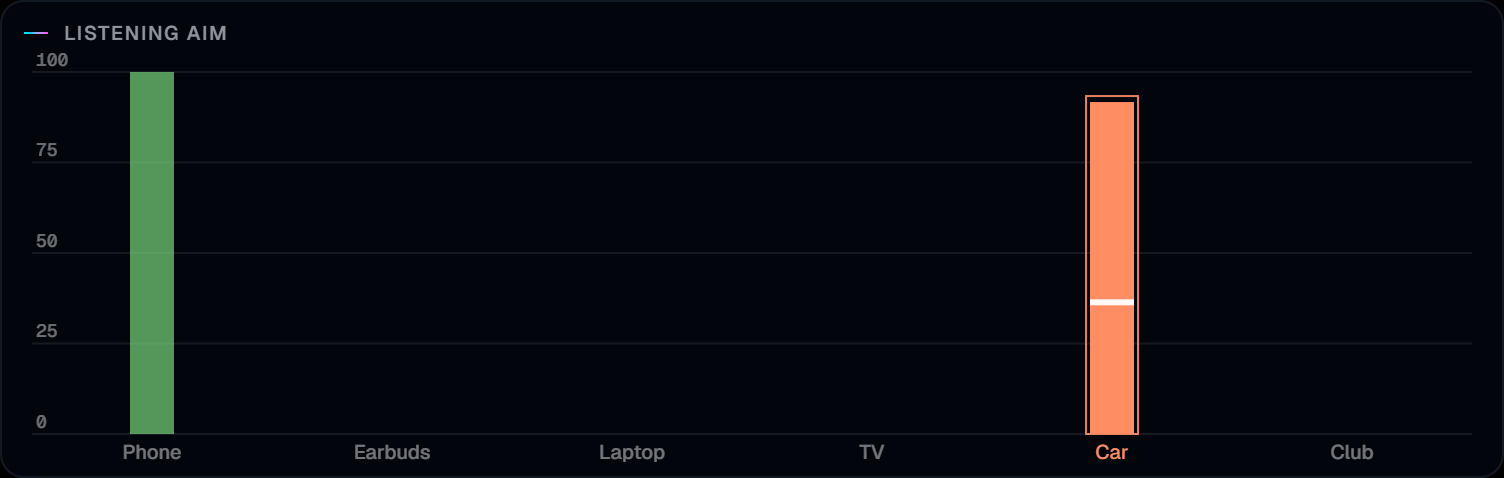
The listening aim
The graph runs from 0 to 100. Each bar is one aim, in that aim's colour, and the name sits under the 0 line. Click a bar, its name, or the icon on the matching amount fader to focus that aim. The focused fader is the brighter one.
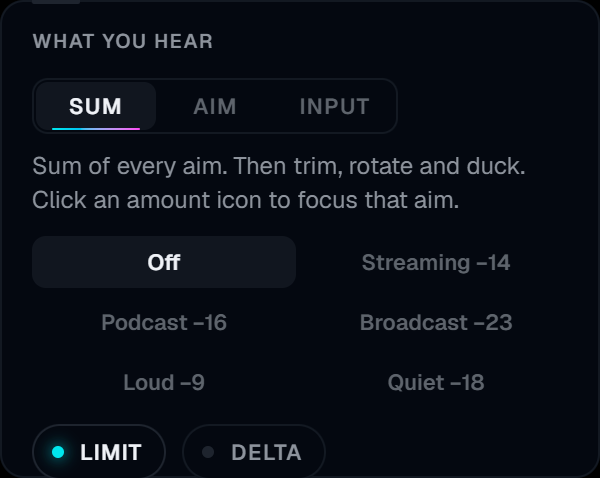
What you hear
Sum is every aim, then trim, rotate, and duck. Aim is only the focused aim, at its own amount. Input is the delayed programme with no aims, so the level does not jump when you compare.
Limit looks ahead 1.5 ms and holds peaks at −0.1 dB. Turning Limit off lets that hold return to unity. Delivery is a list, not a switch: Off, Streaming −14, Podcast −16, Broadcast −23, Loud −9, or Quiet −18. Each one eases the output toward that RMS level. Off lets the gain return to unity. Delta leaves only what Target changed. The programme itself cancels.
Before and after draws the spectrum of the programme and the spectrum after the aims. Gain reduction and the delivery move sit under the curves.
The six aims
| Aim | What it watches |
|---|---|
| Phone speaker | Harshness around 3 kHz, and a translation of the bass the speaker cannot play |
| Earbuds | Fatigue from 4 to 8 kHz |
| Laptop | Boxiness around 400 to 800 Hz |
| Television | Boom from 80 to 200 Hz |
| Car | Cabin boom from 60 to 150 Hz |
| Club system | Sub energy under 120 Hz |
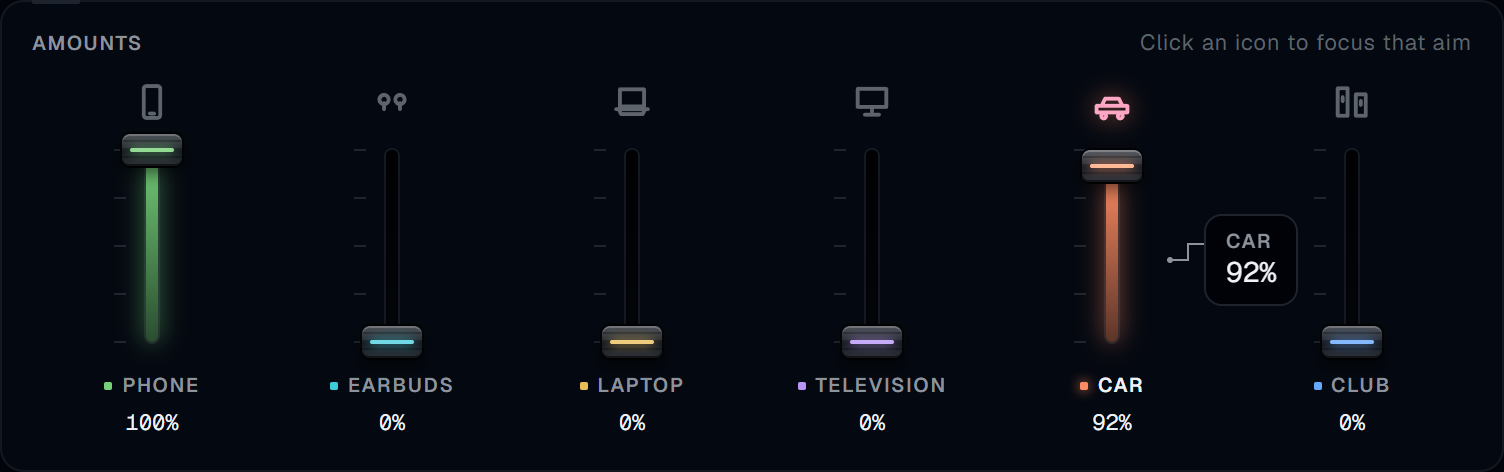
Amounts, then trim
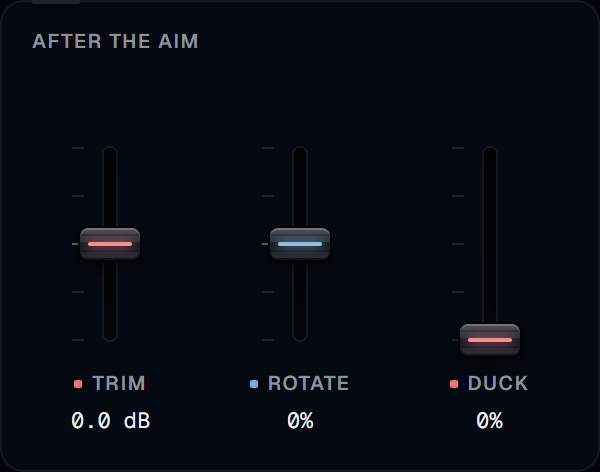
The six amount faders line up with the six bars. Trim, Rotate, and Duck are the same length, in After the aim.
Trim is after the aims, from −12 to +12 dB. Rotate is a short allpass. Leave it at zero and it adds no extra delay. Duck scales the aims down while the sidechain is busy.
MIDI and shortcuts
The MIDI button opens the map over the window. Right-click a control, then move a CC. Pickup holds the control until the CC passes its current value. Channel 1, factory map: CC 1 Phone, CC 2 Earbuds, CC 3 Laptop, CC 4 Television, CC 5 Car, CC 6 Club, CC 8 Aim, CC 9 Trim, CC 10 Duck, CC 11 Rotate, CC 12 Hear. CC 20 is Next aim. CC 21 is Previous aim.
The bolt opens Shortcuts under the icon. Each one is a single undo step: Previous aim, Next aim, Reset aim, Same amount, and Level match. Level match sets Trim so the output peak meets the input peak.
What you need before it makes sound
Open the license chip. A licence key or a demo code from your Paraflex account activates this computer. Until then, release audio stays silent. A demo runs for three hours on the computer that starts it. While Target can reach paraflexaudio.com, every feature plays. If it cannot, the sound pauses and the clock keeps going. When the three hours end, it stays silent until a licence is activated. A paid key is not limited to those three hours. After activation the fade comes back over 10 ms. The delay does not change.
Formats
Target is an insert. There is no standalone app. Windows installs VST3, CLAP, and AAX. macOS installs VST3, CLAP, and an Audio Unit, and has no AAX.