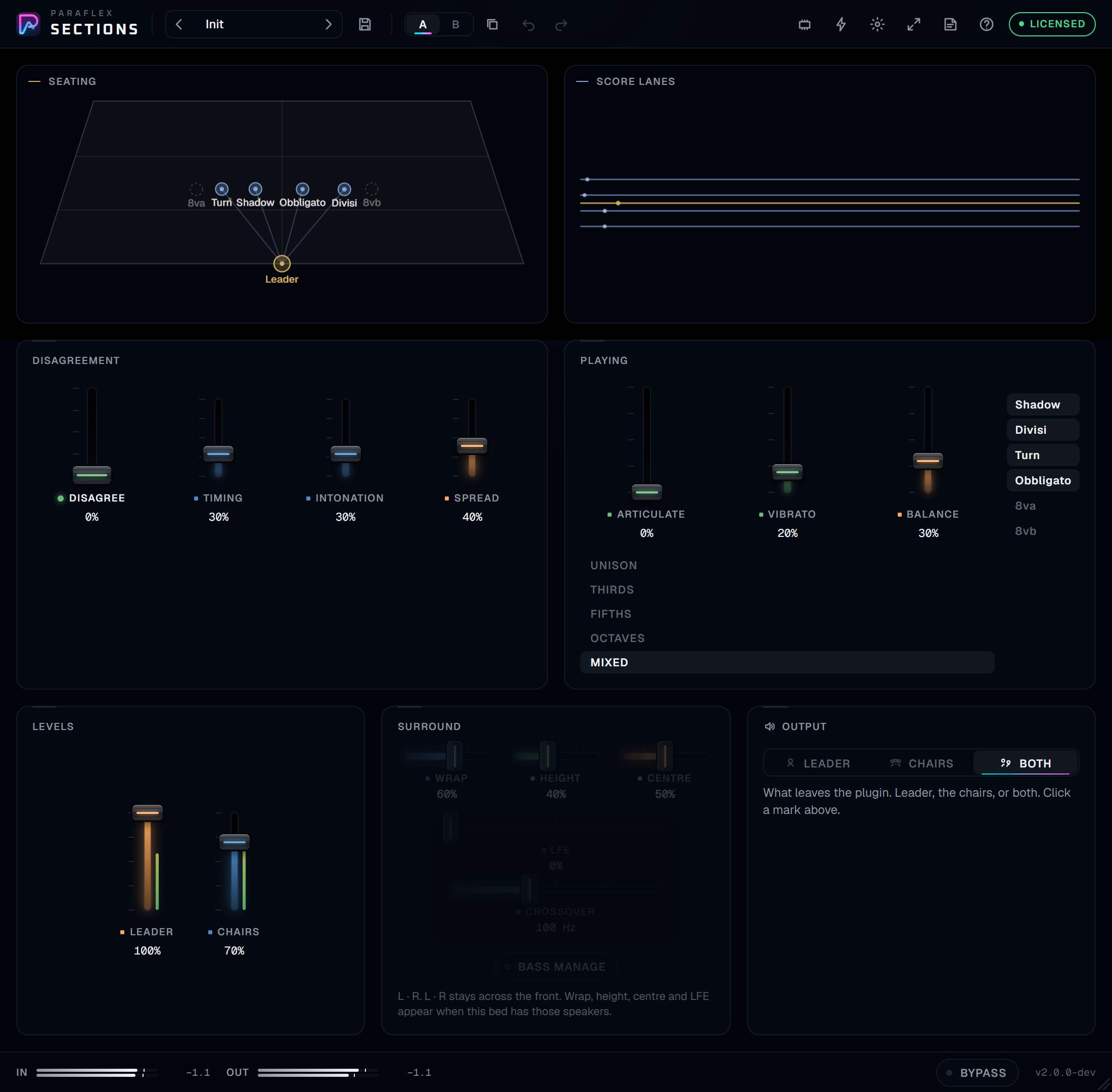
How to read this guide
Put Sections on the track you want a section for, not on a bus full of unrelated parts. Leave delay compensation on. The reported delay stays put while you move Disagree or the faders.
Hover a control. The card shows the name and the value. Turn Tips on when you also want the written explanation.
People also ask
What is Disagree?
Zero is a close unison. Turn it up and the chairs stop playing the same phrase. Shadow holds the notes after the leader lets go. Divisi sings the longer harmony notes and misses the short ones. Turn stabs on its own clock. Obbligato draws a slow counter-line. 8va catches only the attacks, an octave up. 8vb drones an octave down.
What are the six chairs?
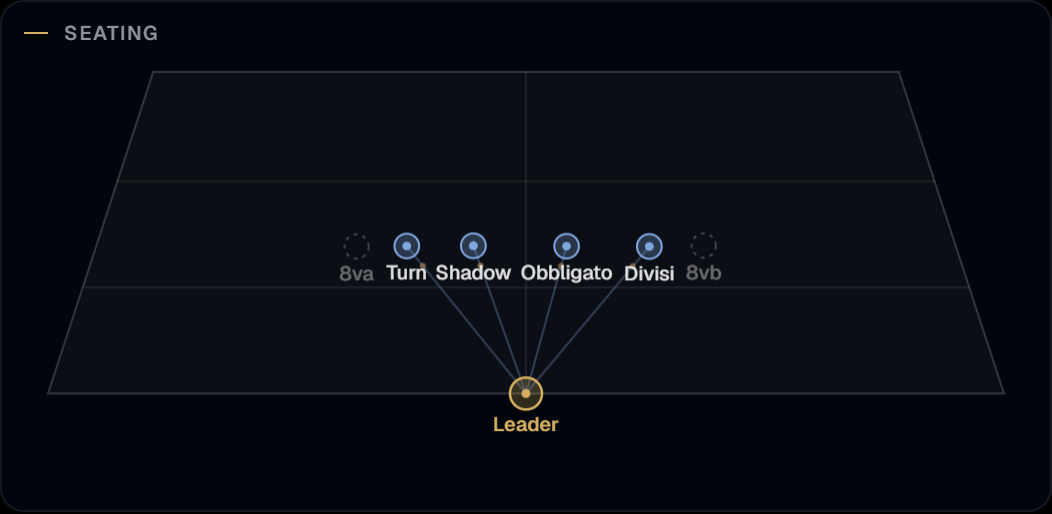
Each chair is a switch. Shadow, Divisi, Turn, and Obbligato start on. 8va and 8vb start off. Click a chair on the seating, or its switch under Playing, to seat it or send it out.
Does a held note change the harmony?
Yes. A held MIDI note sets the interval for Divisi and Obbligato, measured from middle C, and clamped to an octave.
Why is the leader late?
So the chairs, which need time to form a grain, can still sit with the performance. Bypass and Chairs at zero keep that same delay.
Seating and score lanes
Seating draws the leader and the chairs inside the stage. Spread opens them across the room. Disagree is how far each chair leaves the leader's phrase. Click the leader to hear only the leader. Click a chair to turn that chair on or off. Both is on the Output card.
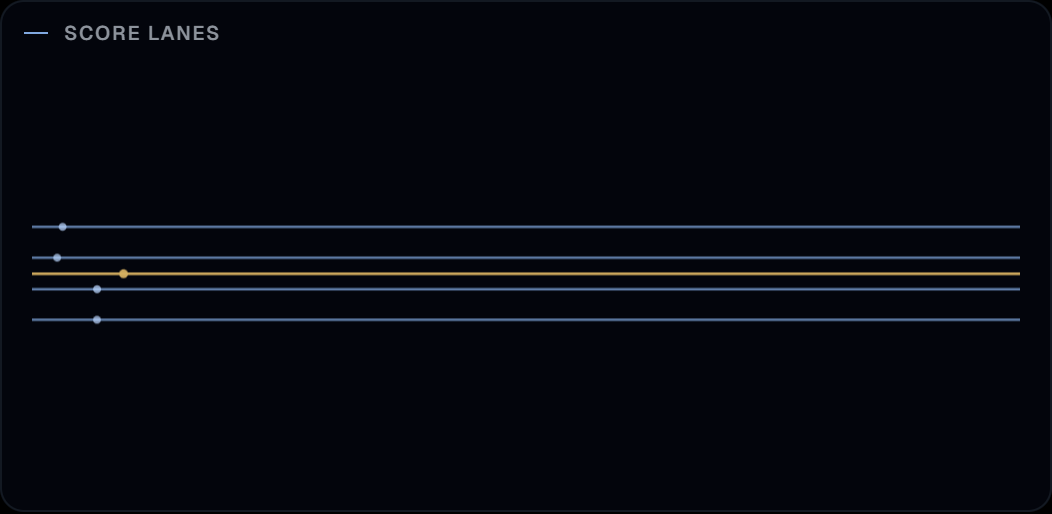
Score lanes keep a steady forward motion. The gold line is the leader. Timing slips each chair off that beat. Spread opens the lanes. Articulate grows the gaps in each chair's line, from a solid stroke through to dashes. A loud transient does not throw the beats back to the start.
The desk
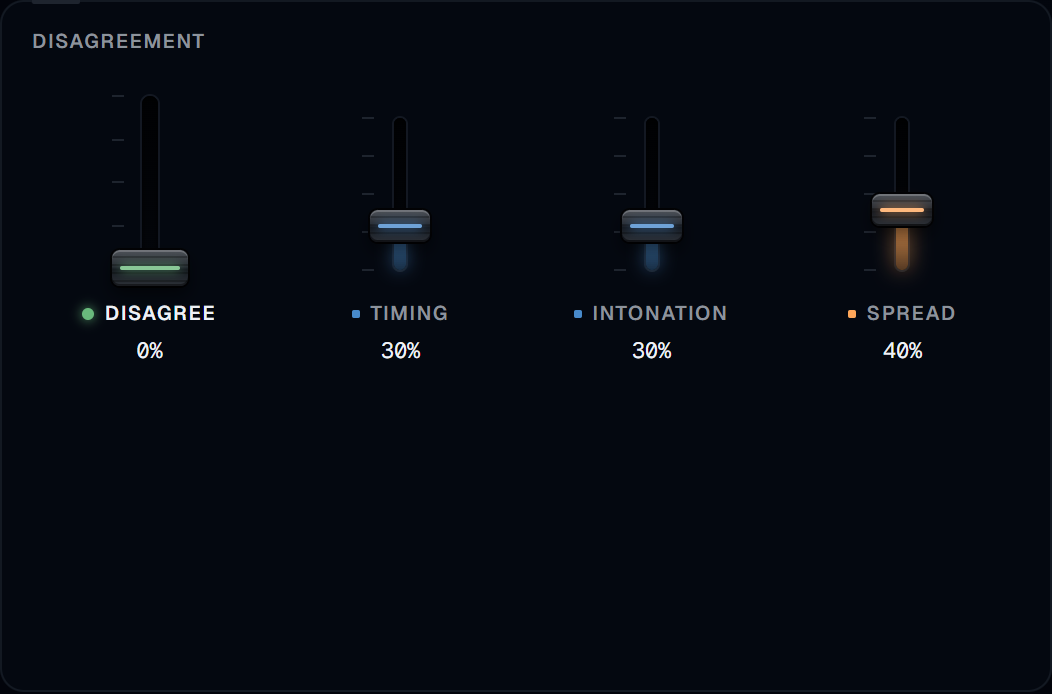
Disagree, Timing, Intonation, and Spread sit together. Timing is how late a chair answers, and it is not the same wait for every chair. Intonation is slow cents, a different rate on every chair, and it also lets Divisi wander off the interval. Spread seats them apart.
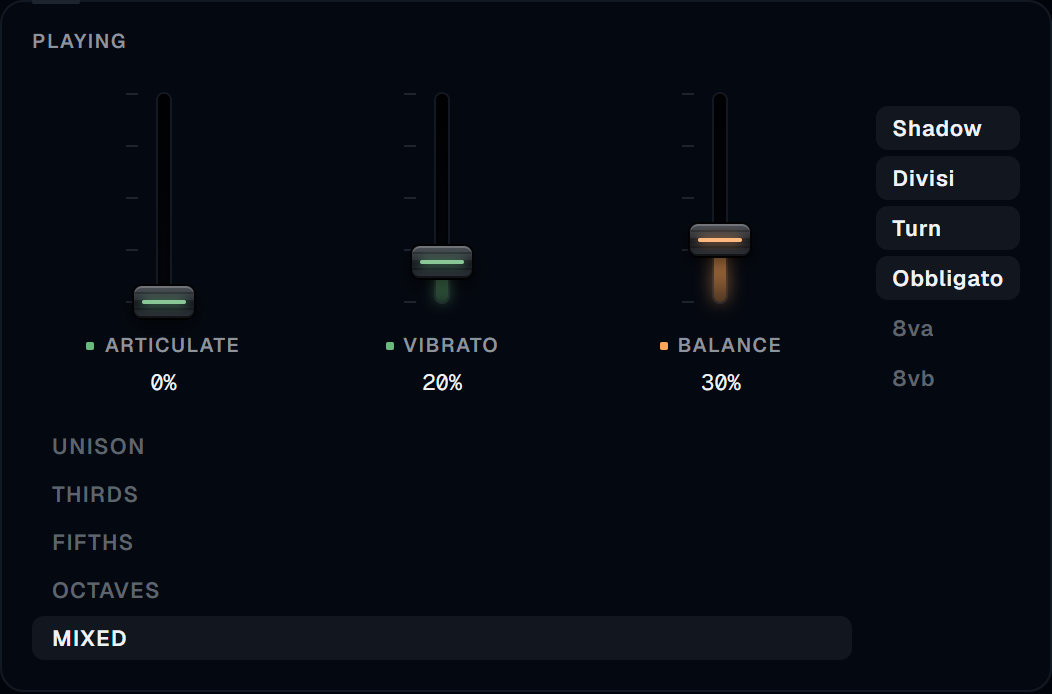
Playing holds the six chair switches, Articulate, Vibrato, and Balance, with the harmony list beside them: Unison, Thirds, Fifths, Octaves, or Mixed. Articulate shortens Turn's stabs and trims the notes Shadow and Obbligato are holding. Vibrato is depth, with rates that do not lock. Balance sits the later chairs further down.
Leader and Chairs are the two levels, centered in their own card. Chairs at zero leaves only the delayed leader.
Surround
Sections takes a mono or stereo performance and writes the section into any bed the track feeds: stereo, 5.1, 7.1, 7.1.4, and up to 9.1.6. In Pro Tools, insert the stereo-to-surround version on a stereo track, listed as stereo/5.1, stereo/7.1.4, and so on. Other hosts follow the channel count of the track or bus.
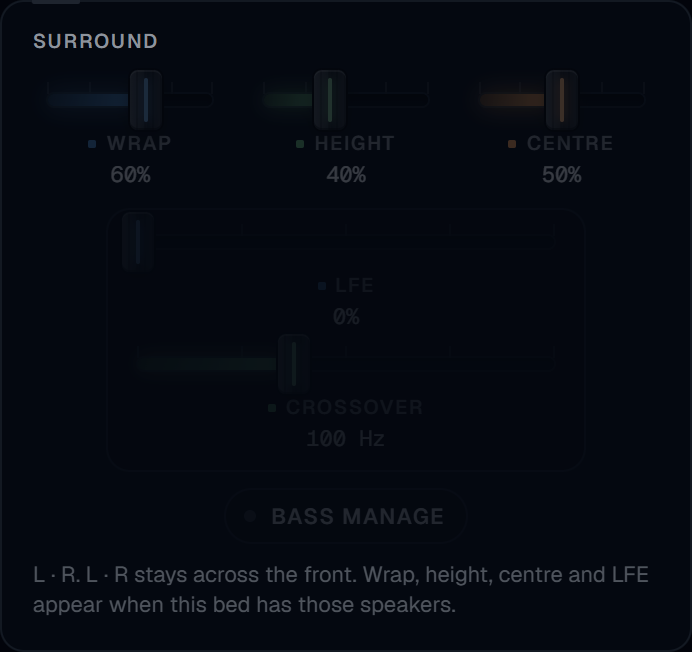
On a stereo or mono bed the Surround card stays dim. Wrap, Height, Centre, and LFE have nowhere to go, and the card says so. On LCR only Centre wakes up. Add an LFE and the crossover and Bass manage wake with it. Side or rear speakers wake Wrap. Top speakers wake Height. A control that this bed cannot use stays dim and does not move the sound.
The leader stays in front. The chairs fan out from it.
- Spread sets how wide the chairs sit across the front speakers.
- Wrap carries them past the front edge into the side and rear speakers. At zero the section stays in front.
- Height lifts the chairs into the top speakers when the bed has them. 8va rises highest. 8vb stays at ear level.
- Centre anchors the leader in the centre speaker. At zero the leader stays a phantom image between left and right.
- LFE sends the low end to the LFE channel. At 100% the send is 10 dB down, matching the 10 dB the LFE gains in playback.
- Crossover sets where that low end starts, from 40 to 200 Hz. It sits with the LFE.
- Bass manage high-passes every main speaker at the crossover and moves that low end into the LFE at the matched level, for small satellites. While it is on, the LFE send has no further effect.
Every chair is panned with constant power, so the section does not get louder as it spreads. Every output channel carries the same reported delay.
Output
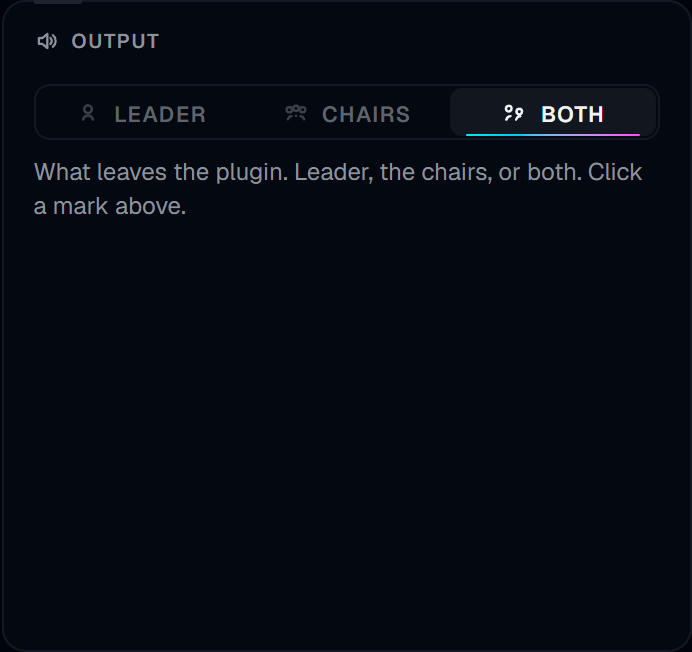
Output chooses what leaves the plugin: Leader, Chairs, or Both. It does not change the section. The speaker marks the card. Clicking the leader on the seating hears only the leader. Clicking a chair seats that chair or sends it out.
MIDI and shortcuts
Nothing is connected until you map it. The MIDI button opens the map. Right-click a control and it shows Learning. Move a CC and that CC is placed on the control. Factory map fills the recommended assignments. Pickup holds the control until the CC passes its current value. Channel 1, factory map: CC 1 Disagree, CC 2 Timing, CC 3 Intonation, CC 4 Spread, CC 5 Leader, CC 6 Chairs, CC 7 Vibrato, CC 8 Balance, CC 11 Wrap, CC 12 Height, CC 13 Centre, CC 14 LFE, CC 15 Crossover. CC 20 is Unison. CC 21 is Split.
The bolt opens Shortcuts under the icon. Each one is a single undo step: Unison, Tight, Loose, and Split.
What you need before it makes sound
Open the license chip. A licence key or a demo code from your Paraflex account activates this computer. Until then, release audio stays silent. A demo runs for three hours on the computer that starts it. While Sections can reach paraflexaudio.com, every feature plays. If it cannot, the sound pauses and the clock keeps going. When the three hours end, it stays silent until a licence is activated. A paid key is not limited to those three hours. After activation the fade is 10 ms. The delay does not change.
Formats
Sections is an insert. There is no standalone app. Windows installs VST3, CLAP, and AAX. macOS installs VST3, CLAP, and an Audio Unit, and has no AAX.